Site Admin Navigation Tree
Tenant configuration — how this business's copy of CM is set up. Real icons; live cmdemo screenshots for every page and every Site Settings tab except Tab Order itself, which has a real unhandled-error bug — see the warning banner below.
navigation-tree-customfields.html) even though it renders nested inside Site Settings on screen — matching the real nav catalog file.EntityTabOrder.IsHidden. The database being photographed the next day had not had that migration yet, so the query answered "Invalid column name", which is an unhandled exception, which kills the Blazor circuit — and a dead circuit is exactly why every tab clicked afterwards stayed stuck until reload. All five hosted databases now have the column, checked with verify-entitytaborder-ishidden.sql, so this no longer reproduces on any live environment. A stale local snapshot still can, which is worth remembering when a screenshot pass turns up something alarming. The 4 tabs after Tab Order in this doc use the field descriptions from the prior research pass since no clean screenshot could be captured; Tab Order itself has no screenshot at all.13Site Admin5 pages
All Sites/super-admin/sites
"Every tenant on the platform - visible only to Site 1 administrators." Real structure is richer than previously documented: a Date Range filter (affects every Login History tab below) and 5 sub-tabs, not a flat list.
- Name
- Site ID
- Address/City/State
- New Tenant (+)
- View
Site Settings/site-settings
The biggest configuration surface in the app — 23 tabs. Confirmed 2026-09-14: Custom Fields is one of them (full detail in its own doc); Tab Order throws a real unhandled error (see warning above).
Site Info
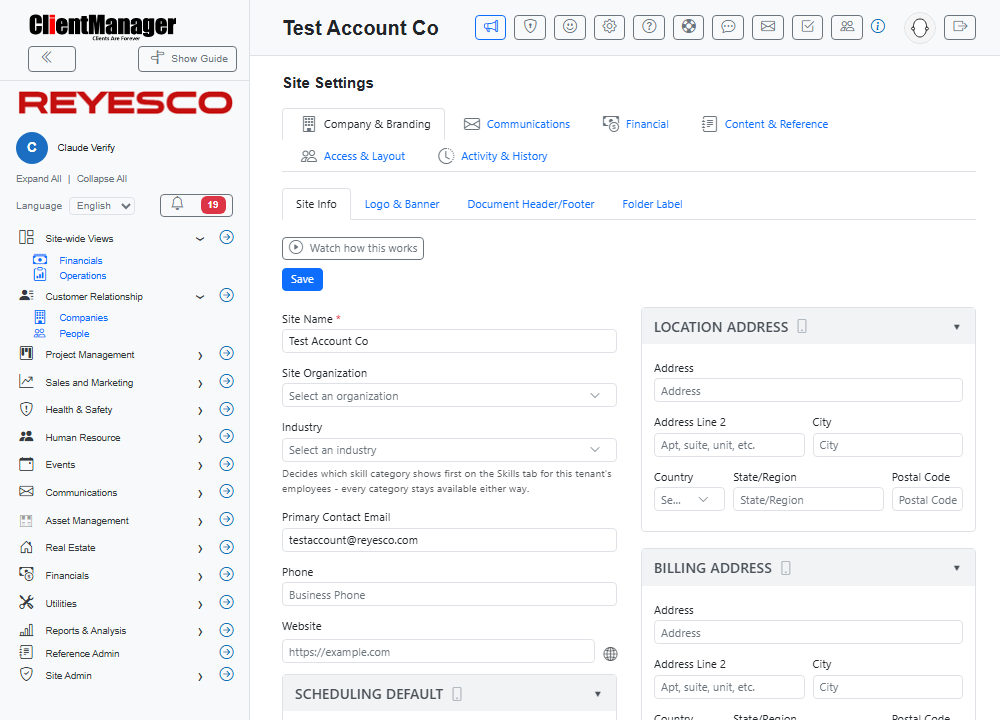
- Business Name
- Address
- Time Zone
Logo
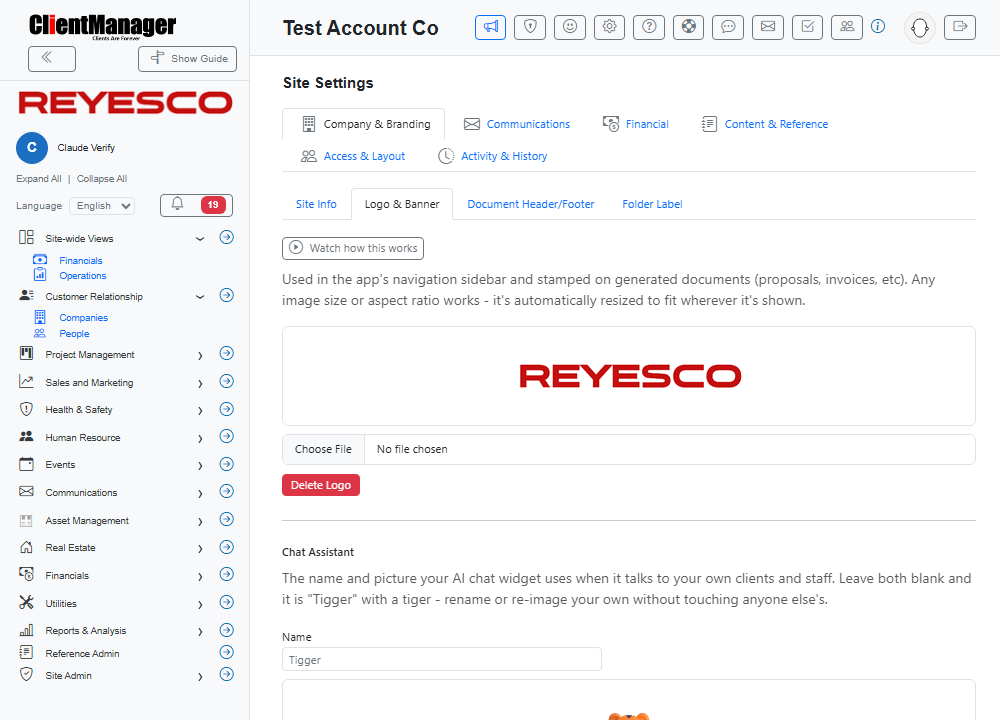
- Upload Logo
Document Header/Footer
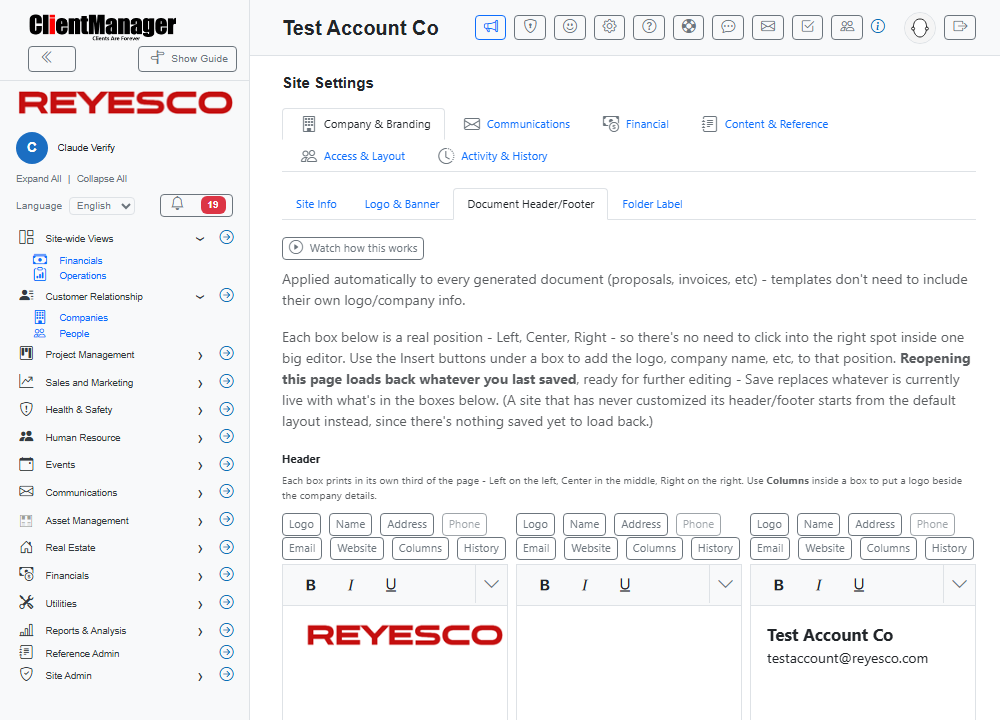
- Header HTML (left/center/right)
- Footer HTML (left/center/right)
Email Settings
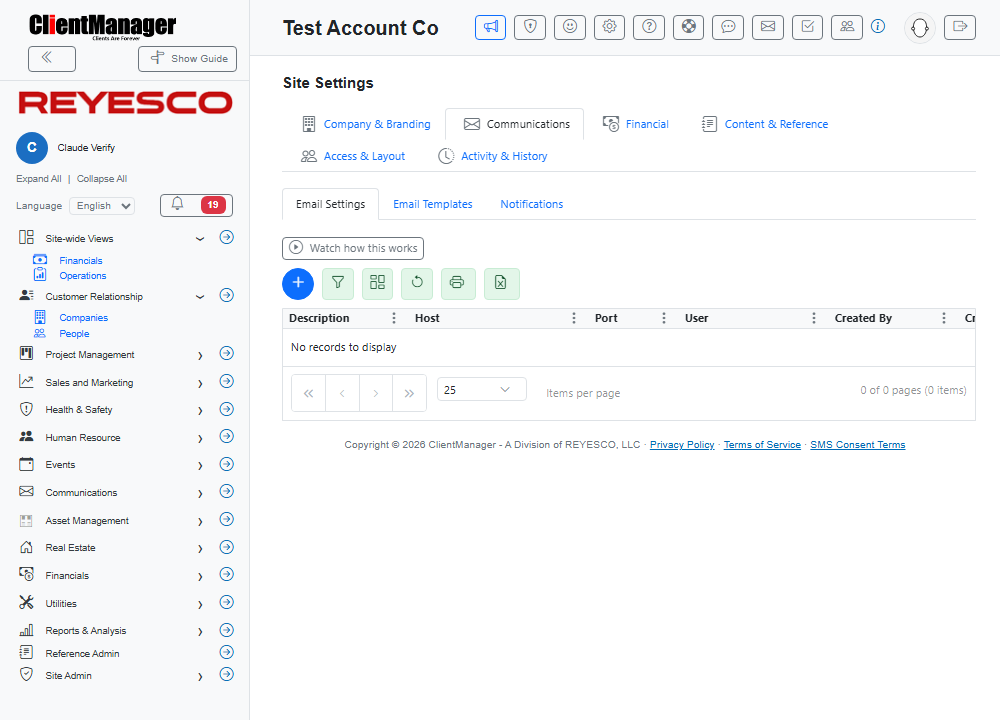
- From Display Name
- Reply-To
Notifications
- Event Type
- Recipient(s)
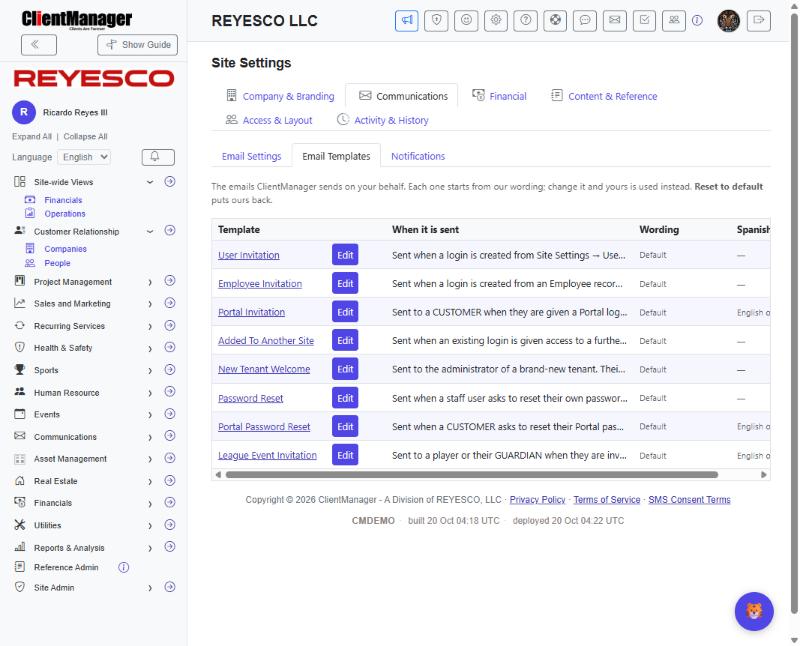
Email Templates
The emails ClientManager sends on your behalf. Each one starts from our wording; change it and yours is used instead. Reset to default puts ours back.
- Template
- When it is sent
- Wording — "Yours" once customized, "Default" otherwise
- Spanish — translation status, where applicable
- Edit
- Reset to default
Integrations
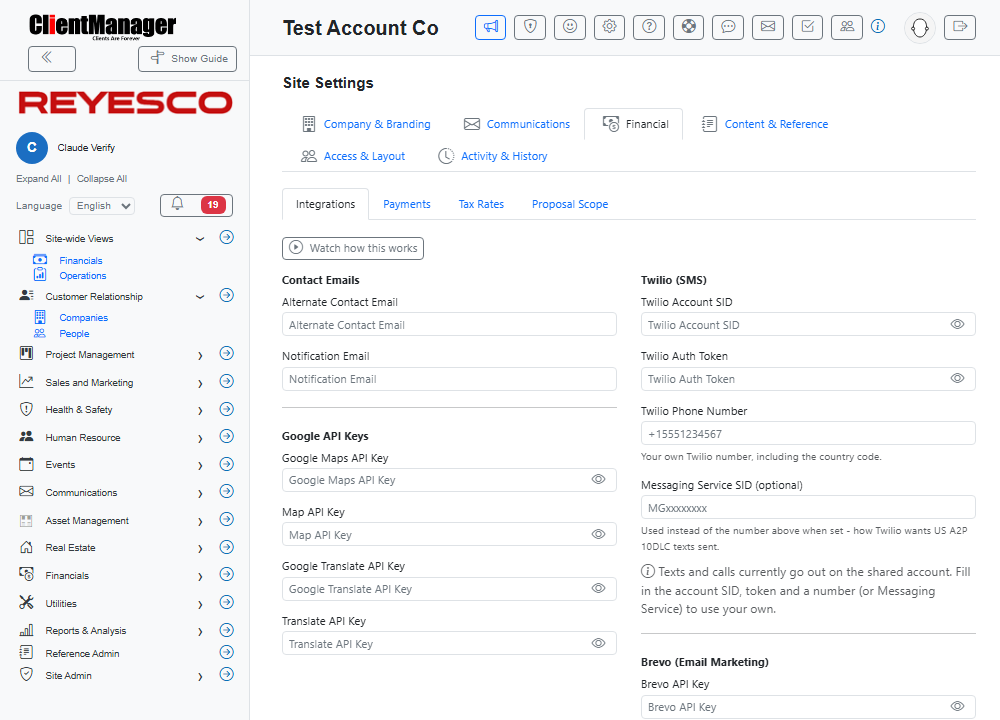
Third-party connections beyond QuickBooks.
Payments
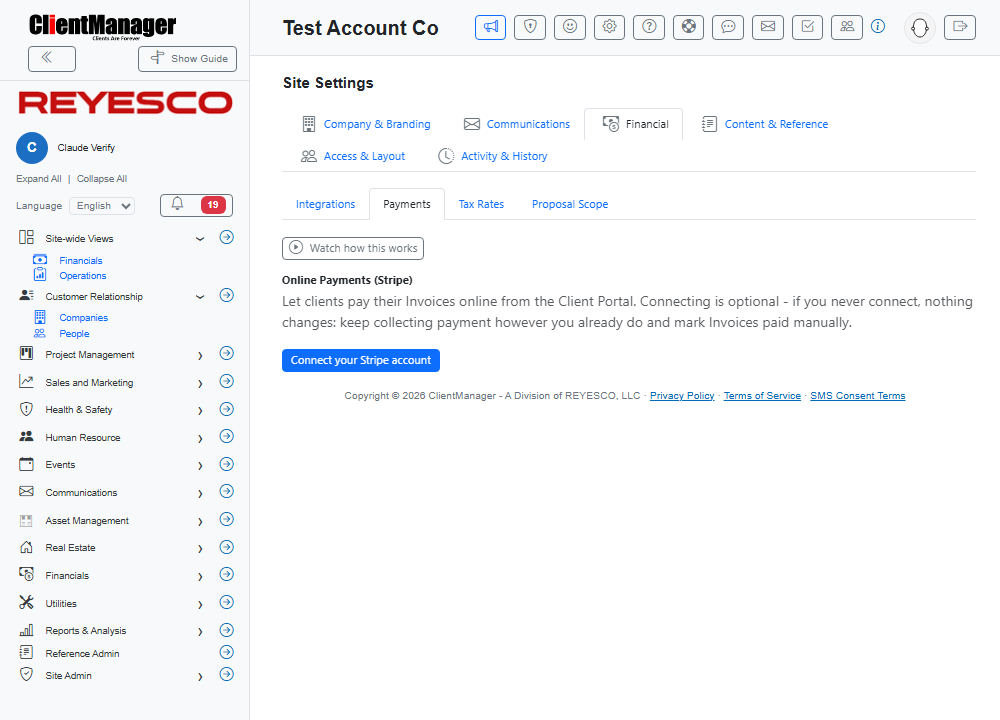
- Stripe Connect Status
- Platform Fee %
- Connect Stripe
Tax Rates
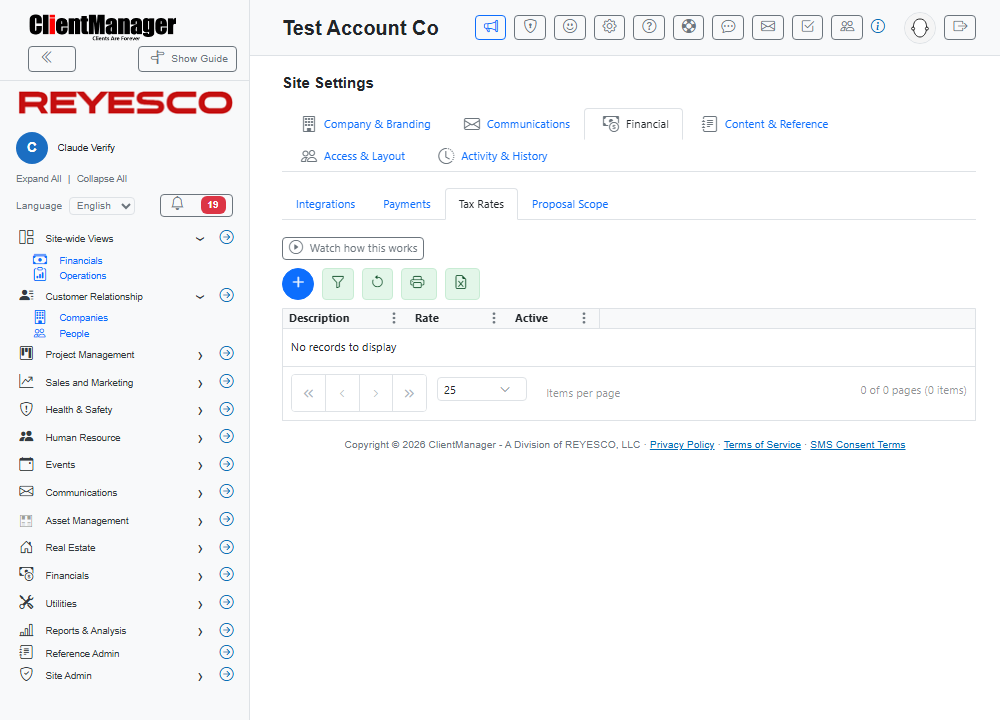
- Rate Name
- Percentage
Proposal Scope
What a proposal's scope section says, by default. The same form opens from a proposal itself to override it for that one contract — his call: tenant default, with a per-client/per-proposal override.
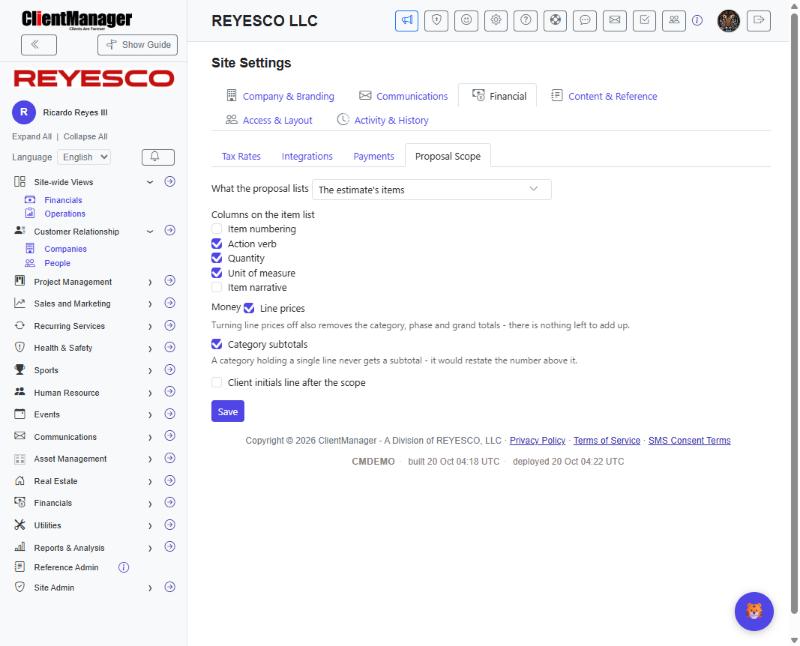
- What the proposal lists — the estimate's item list, or a single custom sentence
- Wording — only when using a custom sentence instead of the item list
- Columns on the item list — Item numbering, Action verb, Quantity, Unit of measure, Item narrative
- Line prices — turning this off also removes the category, phase and grand totals
- Category subtotals
- Client initials line after the scope
Custom Fields
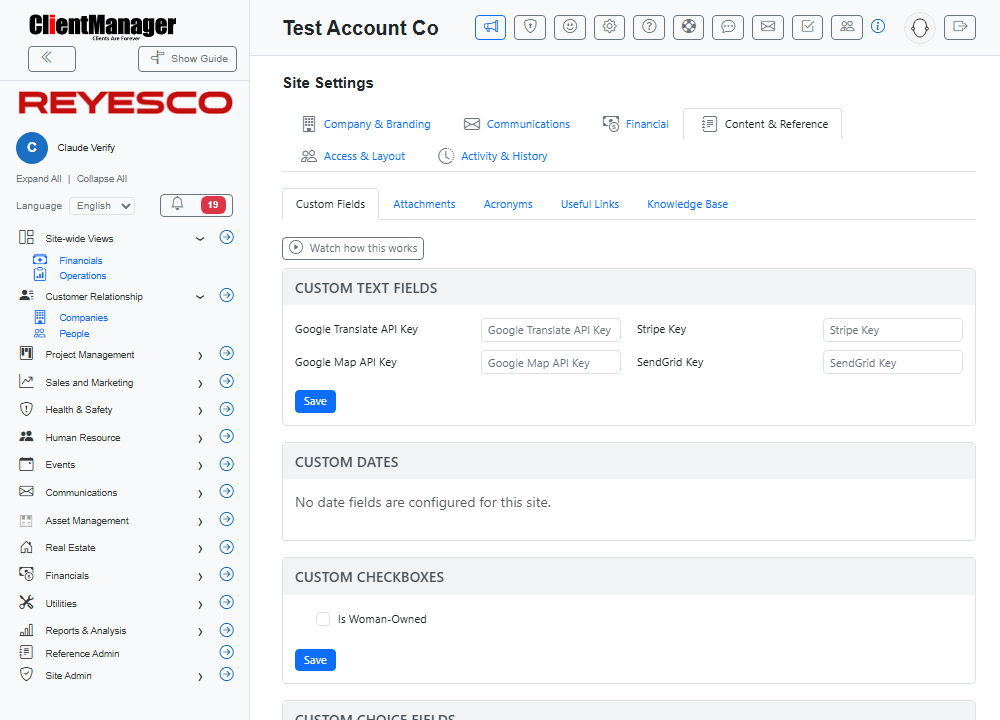
Overview across entity types — see navigation-tree-customfields.html for full detail.
Attachments
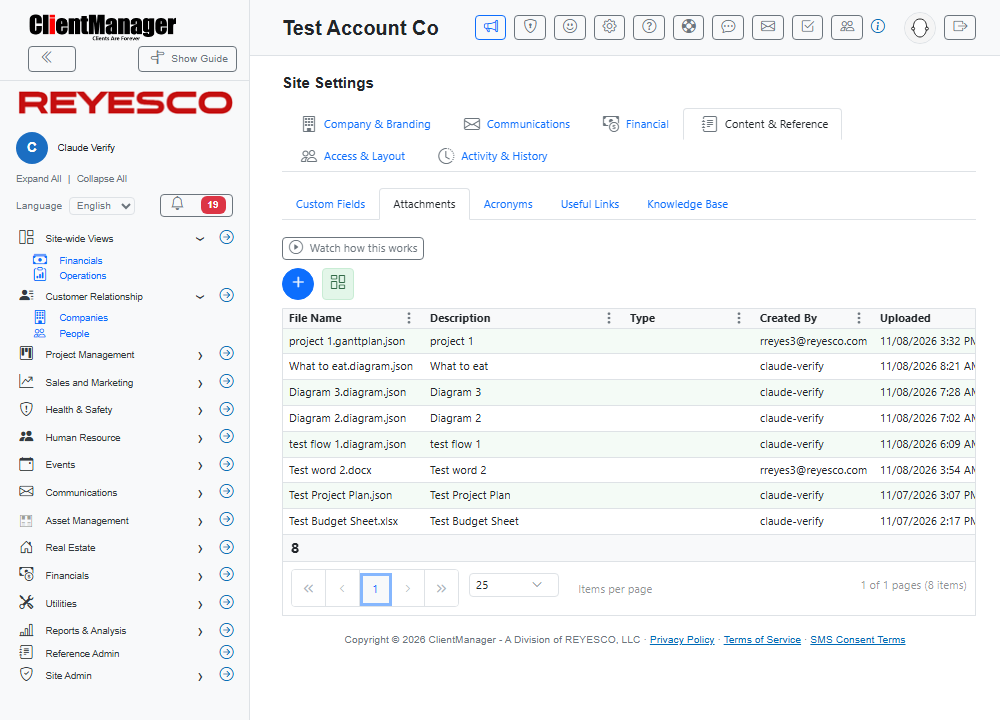
Site-wide attachment settings.
Acronyms
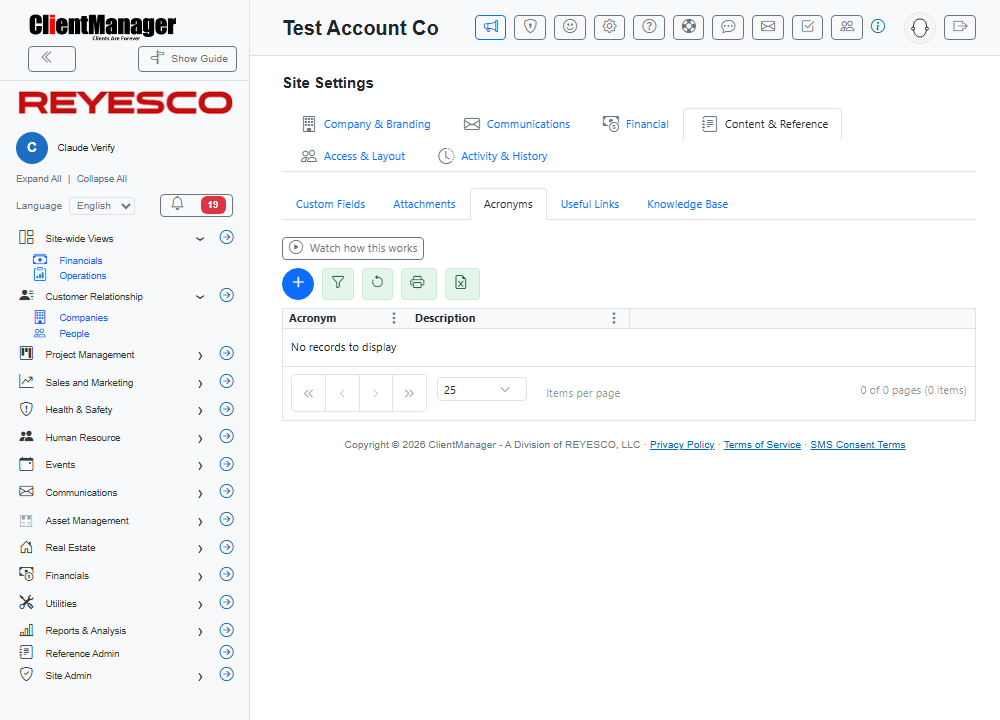
- Acronym
- Expansion
Useful Links
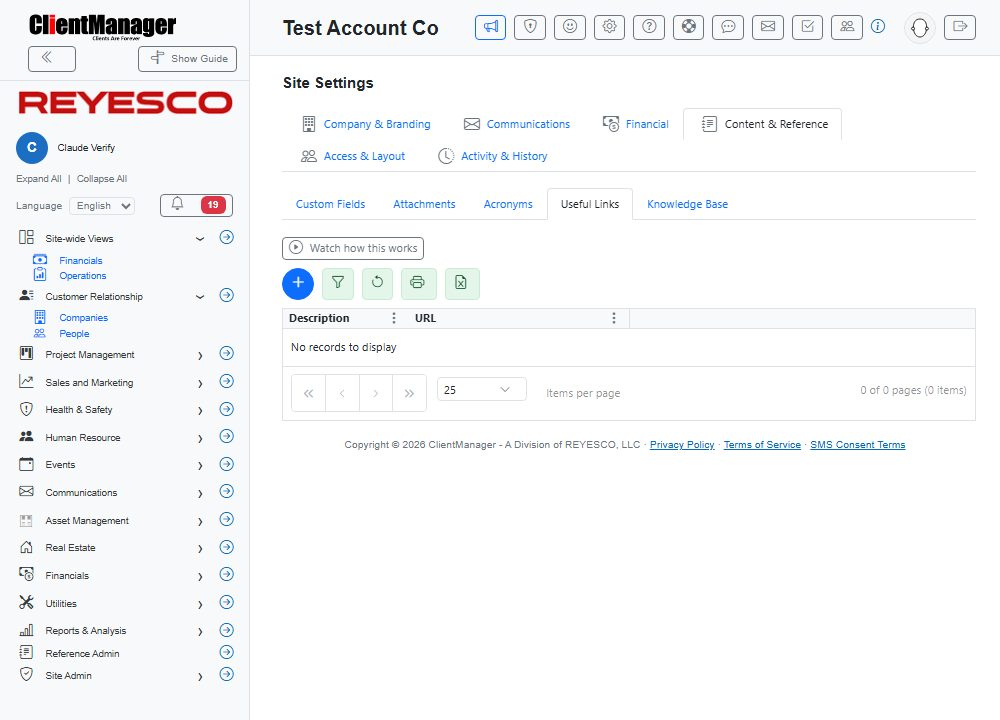
- Label
- URL
Knowledge Base
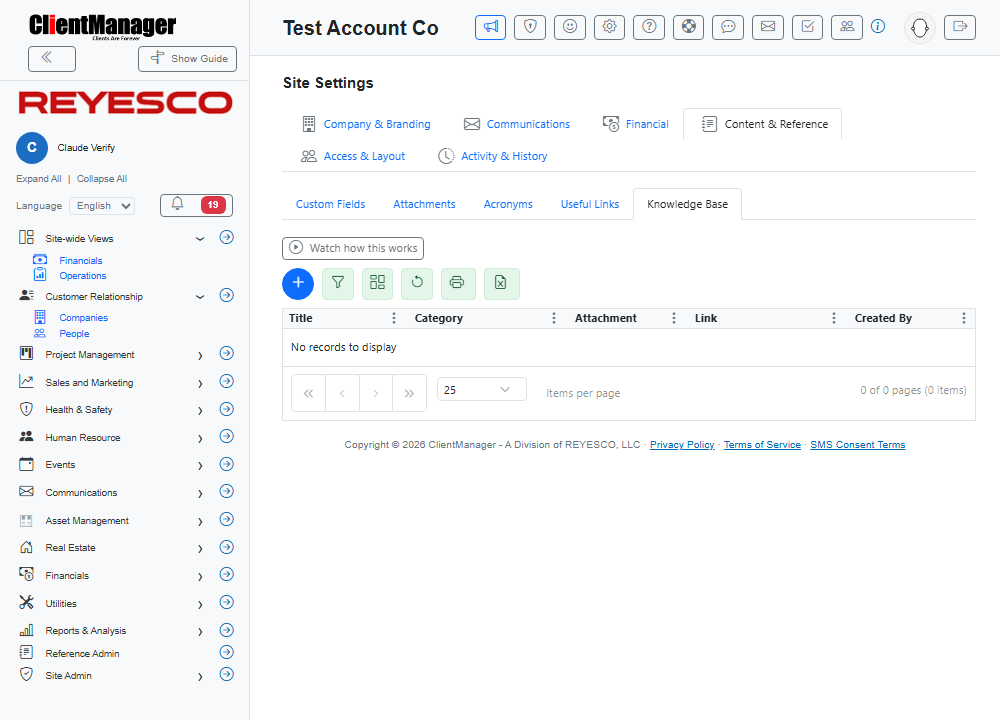
Manage this tenant's own help content.
Tab Order ⚠
Drag-and-drop control over every entity's tab order and visibility — can never itself be hidden.
- Drag to Reorder
- Hide/Show Tab
Users
- Role(s)
- New User
- Reset Password
Org Structure
The self-referencing org-unit tree that Org Chart visualizes.
Side Menu
Which entries appear in the side menu, site-wide for everyone — 13 groups of checkboxes. Not a permission: hiding a menu entry doesn't stop someone who knows the page's address from opening it directly (use Roles & Permissions for that). Site Settings itself can never be hidden, so there's always a way back here.
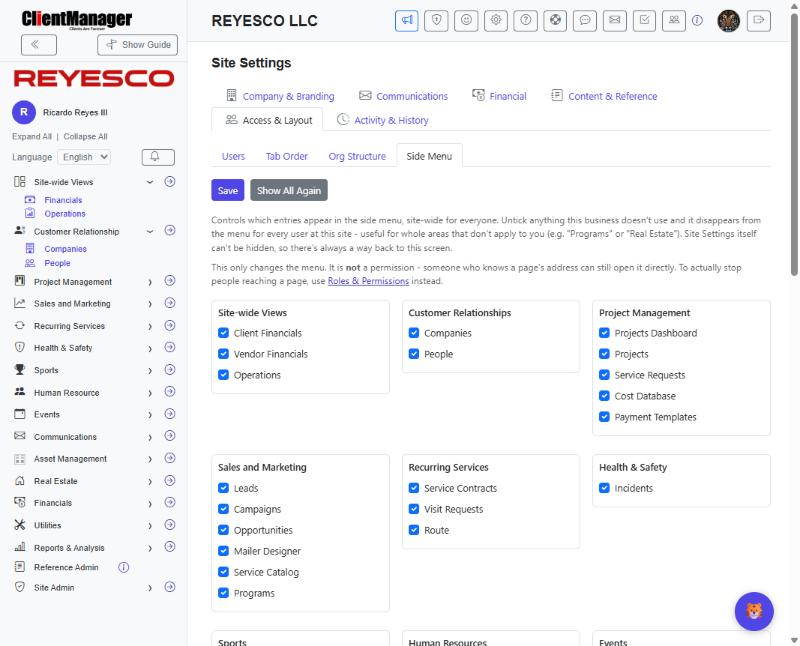
- One checkbox per menu entry — grouped the same way the side menu itself is
- Save
- Show All Again
Login History
- User
- Login Time
- IP Address
Document History
Every saved version of every Document Template and the Header/Footer letterhead for this site, newest first — read-only. To restore a version, open it from Document Templates or Document Header/Footer, where its own Version History / History button lives; this tab exists so "what changed, across everything, and when" doesn't mean opening each one by one.
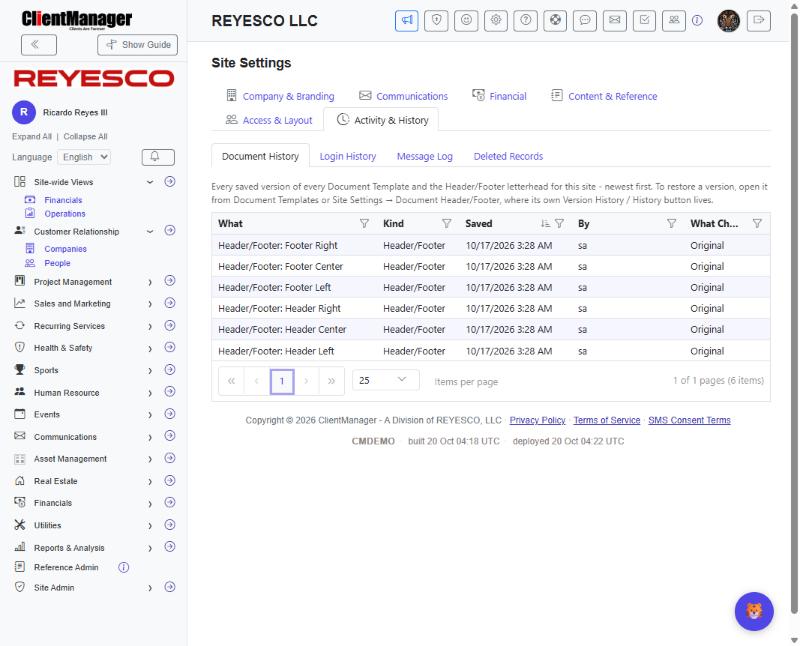
- What
- Kind
- Saved
- By
- What Changed
Message Log
Every email and SMS this tenant has sent, in one table — channel is a filter here, not a separate screen per channel. Read-only: a log you can edit is not a log. "Accepted" means the provider took it, not that it arrived — a message can be accepted and still bounce, and that isn't known here.
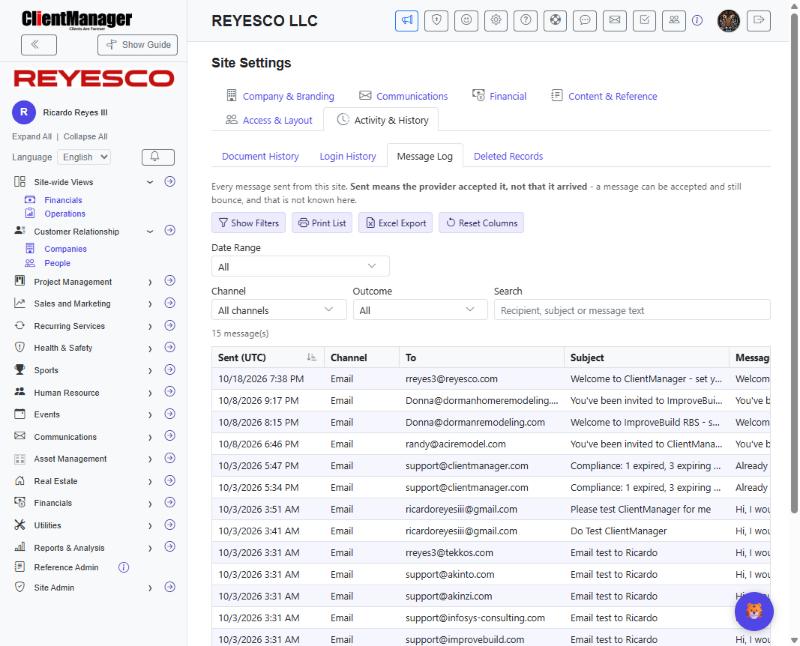
- Sent (UTC)
- Channel
- To / Cc / Bcc
- Subject
- Message — preview
- Accepted
- Error
- Sent By
- Files
- Show Filters
- Print List
- Excel Export
- Reset Columns
Also: a Date Range preset, Channel and Outcome dropdowns, and a Search box that matches recipient, subject and preview text together.
Deleted Records
Records that were destroyed rather than deactivated. Everything else marked Delete in ClientManager is reversible; these are not, so each one is kept here with a copy of what it was.
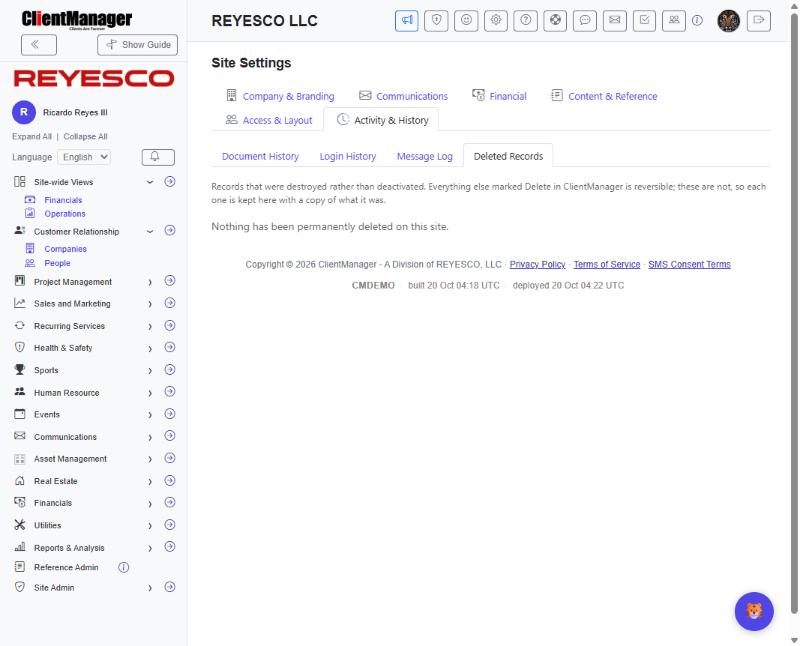
- When
- Type
- Destroyed by
- What it was
- Details
Details opens the full snapshot — evidence to check occasionally, not something shown inline. Filterable by Record type.
This same tab set is reused read-only when a Site-1 admin drills into another tenant from All Sites.
Roles & Permissions/site-settings/roles
"Control which side-menu items each role can see. A role with no explicit access to an item won't see it in the menu, and can't reach it directly by URL either. Administrators always see everything, regardless of these settings." — real, exact copy from the page.
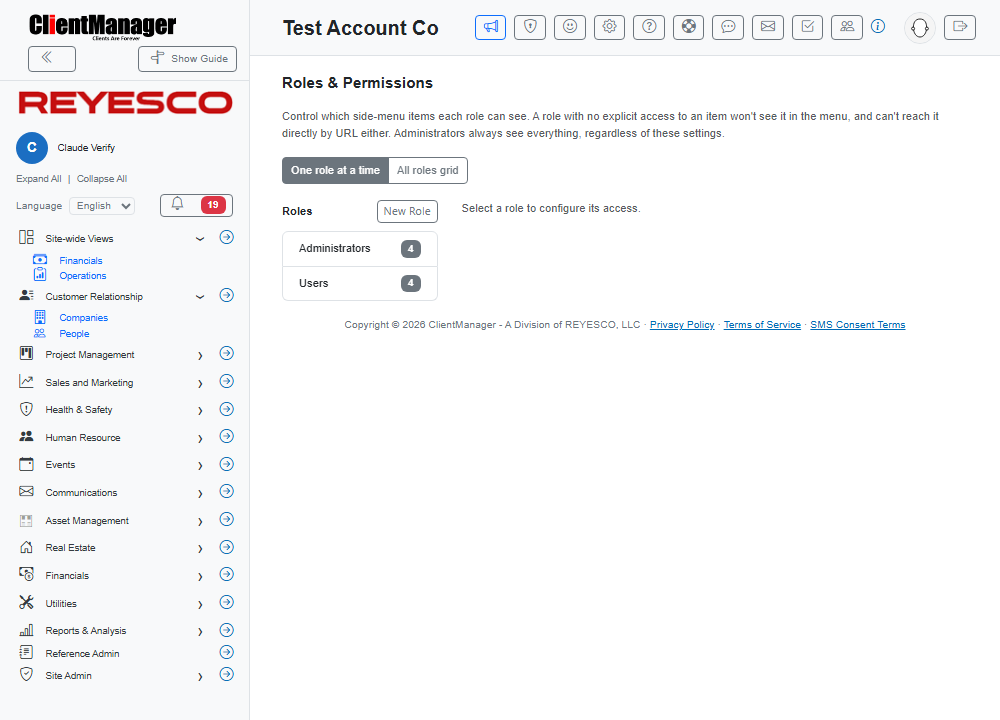
- Role
- Function Key — one per page/action
- Granted?
- New Role
- Grant
- Revoke
Role Checklists/site-settings/checklists
Defines the onboarding/recurring-duty items assigned by Role — the real source of what shows up on My Tasks. See navigation-tree-mytasks.html for how it's consumed.
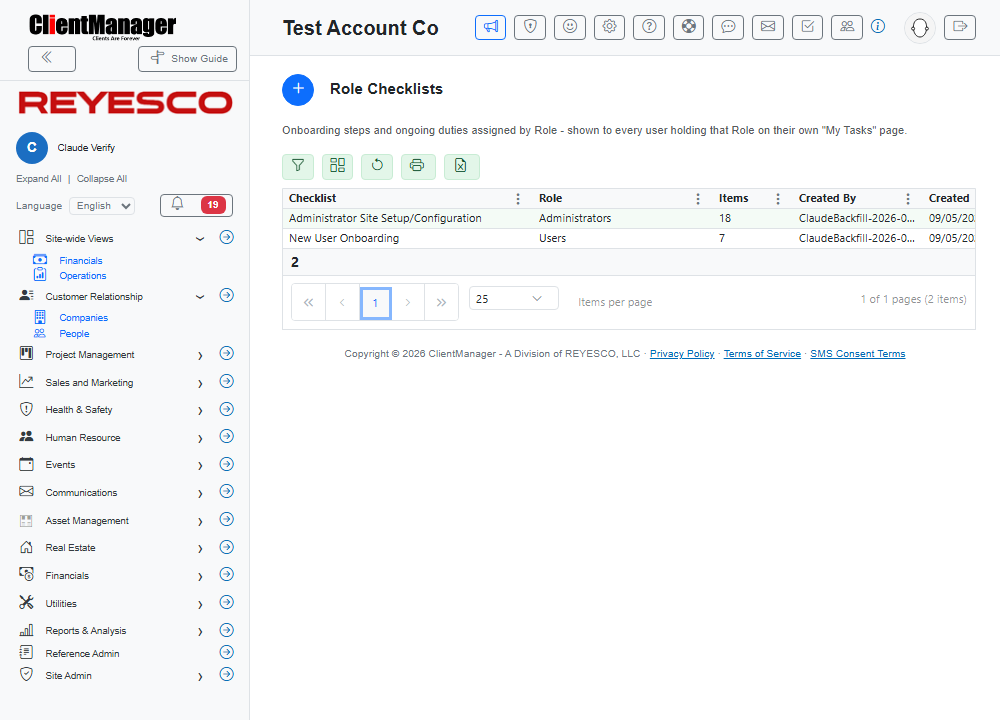
- Role
- Checklist Item
- Recurring?
- Add Item
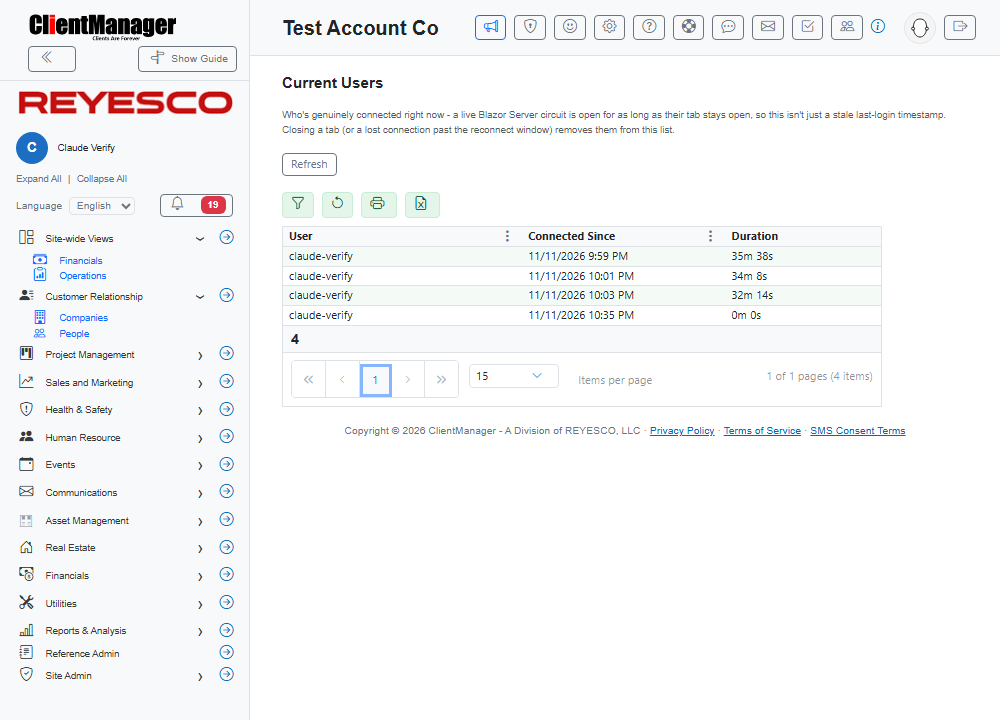
Current Users/admin/current-users
Who's online right now — a live presence view.